
Your own connection
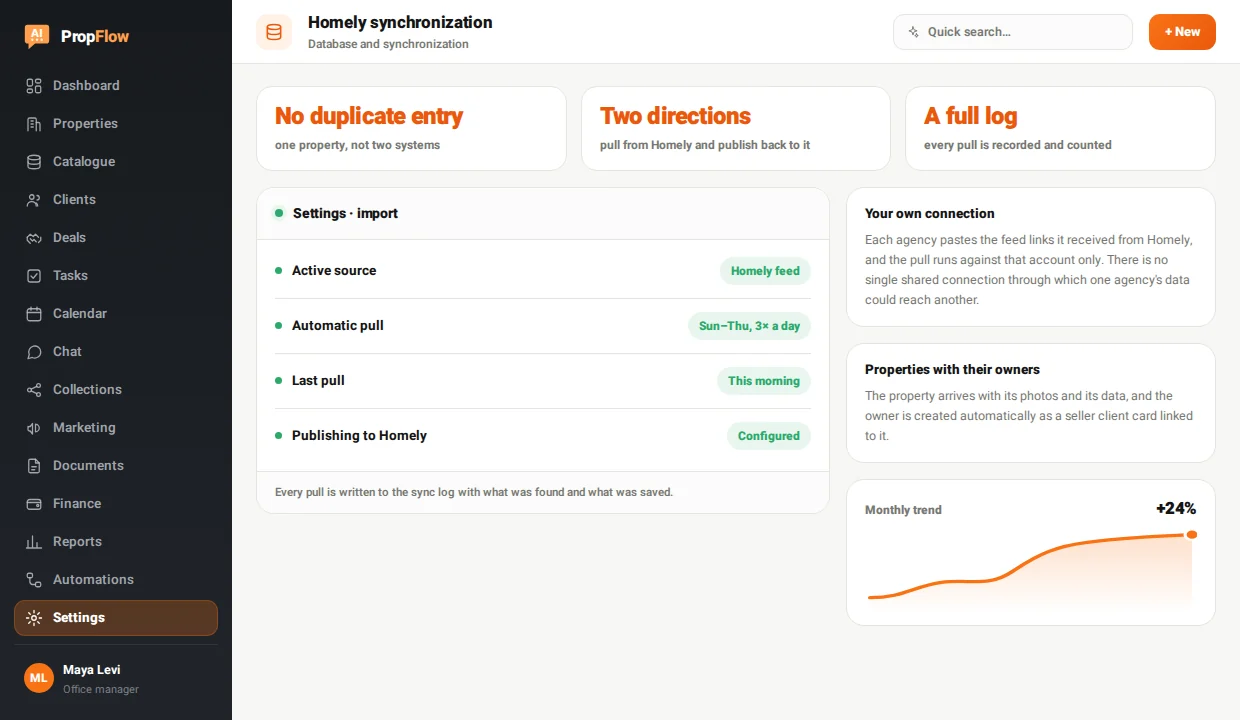
Each agency pastes the feed links it received from Homely, and the pull runs against that account only. There is no single shared connection through which one agency's data could reach another.
What is on Homely is already in your system
An agency that advertises on Homely types every property and every inquiry twice, then argues about which version is more up to date. PropFlow connects to your own agency's Homely account, pulls properties and leads at the hours you set, and can also publish a property back to Homely straight from the property record.
Every pull is written to the sync log with what was found and what was saved.
Properties and listings sync automatically with the office's Homely account, with no double entry.
Each agency pastes the feed links it received from Homely, and the pull runs against that account only. There is no single shared connection through which one agency's data could reach another.
The property arrives with its photos and its data, and the owner is created automatically as a seller client card linked to it.
A buyer inquiry comes in as a client card with city, neighborhood, price range and room range - ready for property matching.
Tick days and hours, and the pull runs by itself in every window. You can always click Pull from Homely and get an immediate update.
A button on the property record creates its listing in Homely and returns a direct link to it, without filling in the same form twice.
Every pull records when it ran, how many entries were found and how many were saved - so you see straight away if something did not come through.
In the settings, paste the feed links Homely gave your agency - one for properties and one for leads.
Choose the days and hours on which the pull runs by itself, or run it manually whenever it suits you.
Properties, photos, owners and leads land as records in the system, without creating duplicates.
From there it is a normal CRM - assignment, follow-up, a collection for the client and a deal - and at any moment you can publish a property back to Homely.
Your own. Each agency enters the feed details it received from Homely, and the pull runs against that agency's account only. That is a deliberate decision: a single connection shared by everyone would mix data between agencies.
They stay with you. The properties, photos, owners and leads that have already been pulled are your records in PropFlow. Disconnecting stops the next pulls - it does not delete what has already come in.
No. Every entry is identified by its permanent ID in the feed, and failing that by phone number. An entry that already exists is updated instead of getting a second card.
The automatic pull runs on one active source that you choose, so that two sources do not overwrite each other. You can switch the source in the settings at any point.
Every module sits on the same record - what goes into one shows up in the next.
14-day free trial with credit card verification. Billing starts only when the trial ends, and you can cancel before the first charge.
To all 37 modules